When the tech coach position became open at my school over the summer, I debated applying for some time and imagined what my school year would be like in this position. It didn't take long for me to realize that this was something I would enjoy. My administrators knew that I was willing to try to figure out new tech tools in my class, and that I would encourage my team to do the same. They gave me a chance and now that I have been in the position for a few months, I realized that I had barely scratched the surface on all of the web tools available to enhance learning. Over the summer I tried to make sure I was at least proficient in the sites our school has premium memberships for, which includes Edulastic, Pear Deck, WeVideo, IXL Math, Thinglink and Schoology. I also attended an EDTech Team Conference in Naperville, and that made me feel so much more prepared going into the school year. My favorite takeaways from that conference were the new features on Google Earth, Flip Grid, and Edpuzzle. I felt like I had a lot of web tools to share out with my colleagues, but I've learned just as much from them as it turns out they also have great tools they've been using for years. Mrs. Zumpano shared Larry Ferlazzo's "Website of the Day" Blog where he creates lists of his favorite web tools throughout the year, including lists of his favorite ed tech sites for a variety of uses.
Adobe Spark
 |
| Image Source |
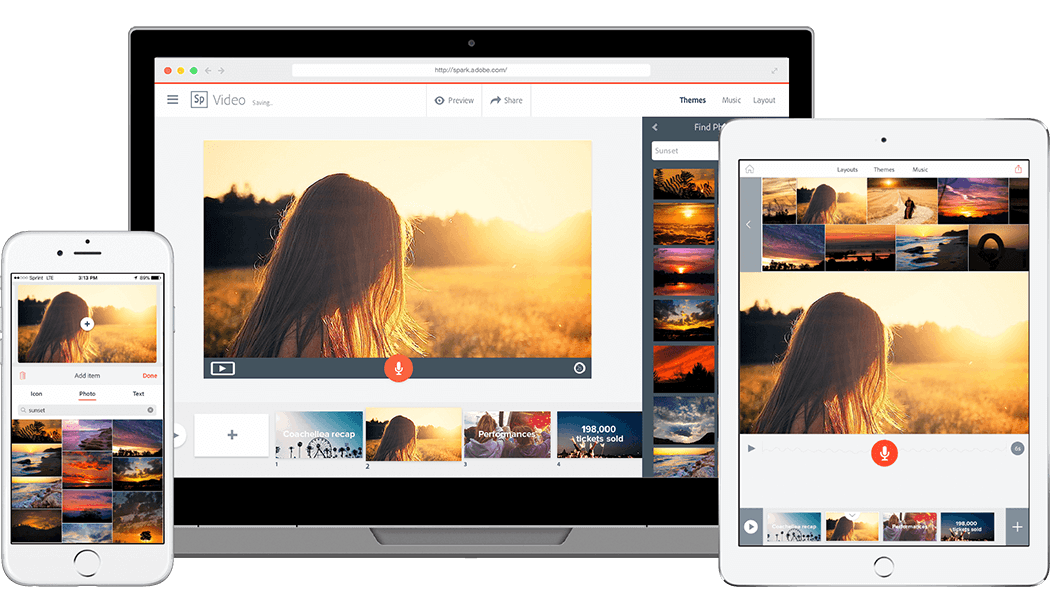
As soon as I read the directions for this week's blog post I immediately thought of Adobe Spark, a web tool that has been on my list to learn more about after hearing many teachers say good things about it. Some of the Language Arts teachers at my school asked if I would come in and demo creating a video presentation on Spark for their classes next quarter, so this was as good a time as ever to dive into it.
"Transform your ideas into stunning visual stories," is how the tool is described on the Adobe Spark webpage. Spark allows you to create professional looking graphics, web pages, and video presentations for free. There are several templates that you can choose from to edit any way you like. Just going through the templates provided some inspiration for different ways you can use the site. Ideas that stood out to me were the photo journal web pages, newsetters, and infographics. I decided to make a sample video presentation for the students I'll be presenting to, as well as a tutorial showing how to create the presentation themselves. I've included each below.

TWO screencasts?!! How awesome! Loved your bears/Bears video. Your demonstration of the tool is great.
ReplyDeleteI also did Adobe Spark. I had seen it used so many times, but never made the effort to learn about it. Congratulations on your new position at your school, I am sure you will be learning even more as time goes by. I hope to do the same.
ReplyDelete